
Chat that already knows which project it is about.
A channel for every project, team and division you are on, created for you. Direct messages and group chats. Calls that come with you around the app, and voice rooms you walk into. And a channel can carry a note, a Grid or a live project view as a tab.
- 01A channel per project
- 02Voice rooms you walk into
- 03Calls that follow you
DMs
- DADana2
- MAMarcus
Q3 Launch
- beckett-street3
- clinic-rollout
- standup-roomARJTMW3 people in here
Jo Supplier confirmed. Switches land Tuesday, PO needed by Friday.
Alex /summarize
Switches arrive Tue 15. Raise the PO by Fri. Read 14 messages since Monday.
What it looks like, signed in.
Two screenshots of the production build, taken inside the demo workspace - a fictional company - in the same week this page was written.
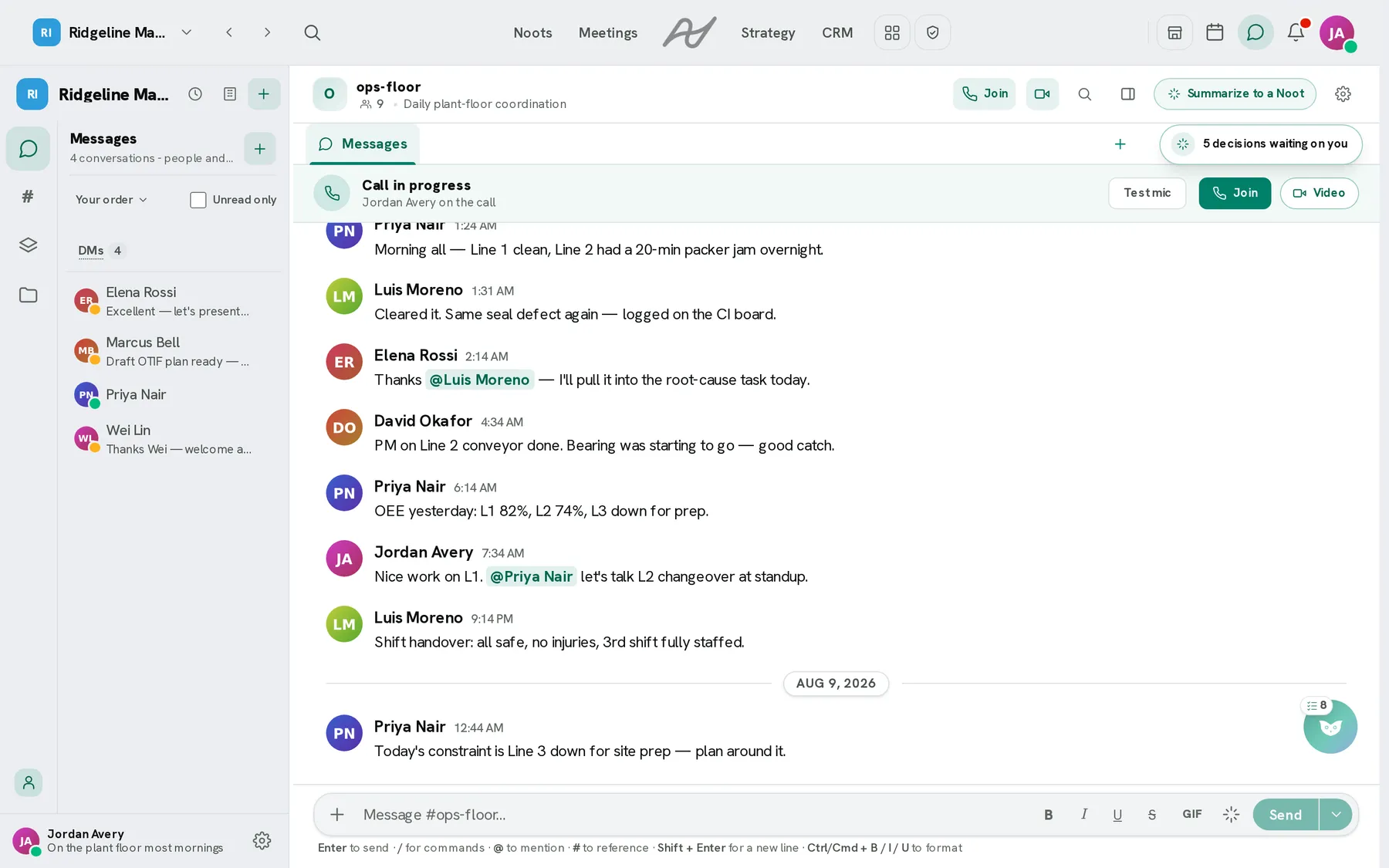
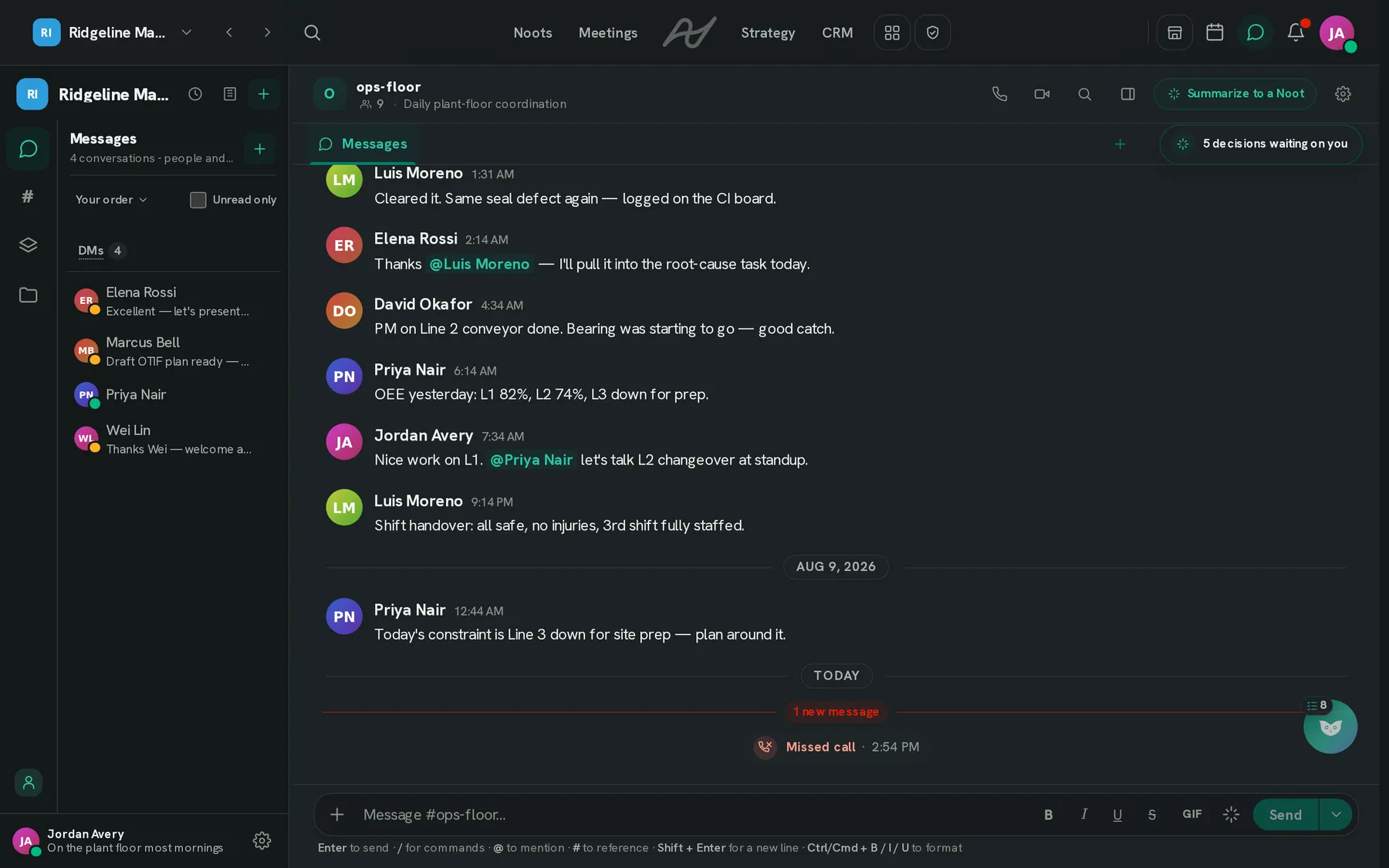
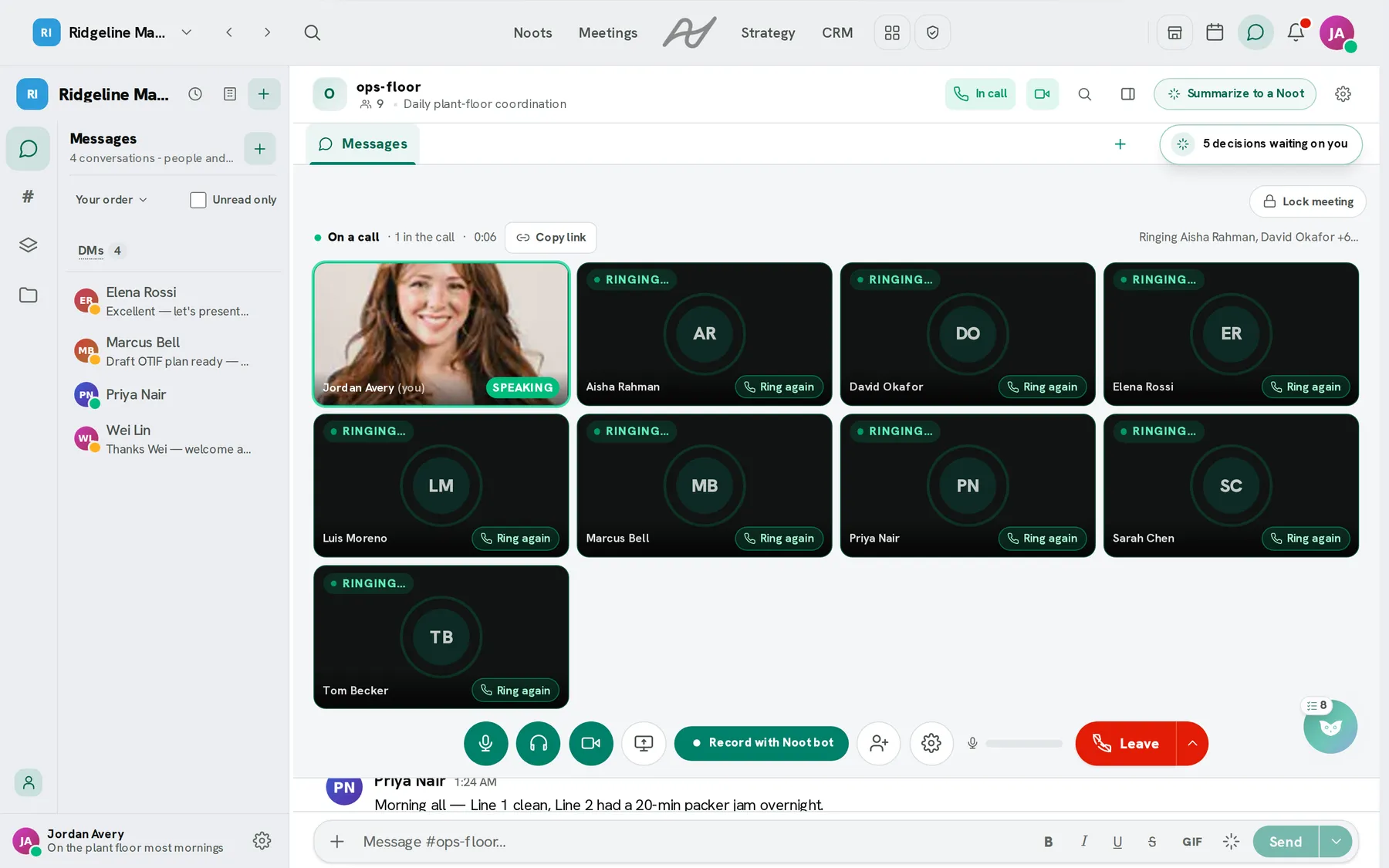
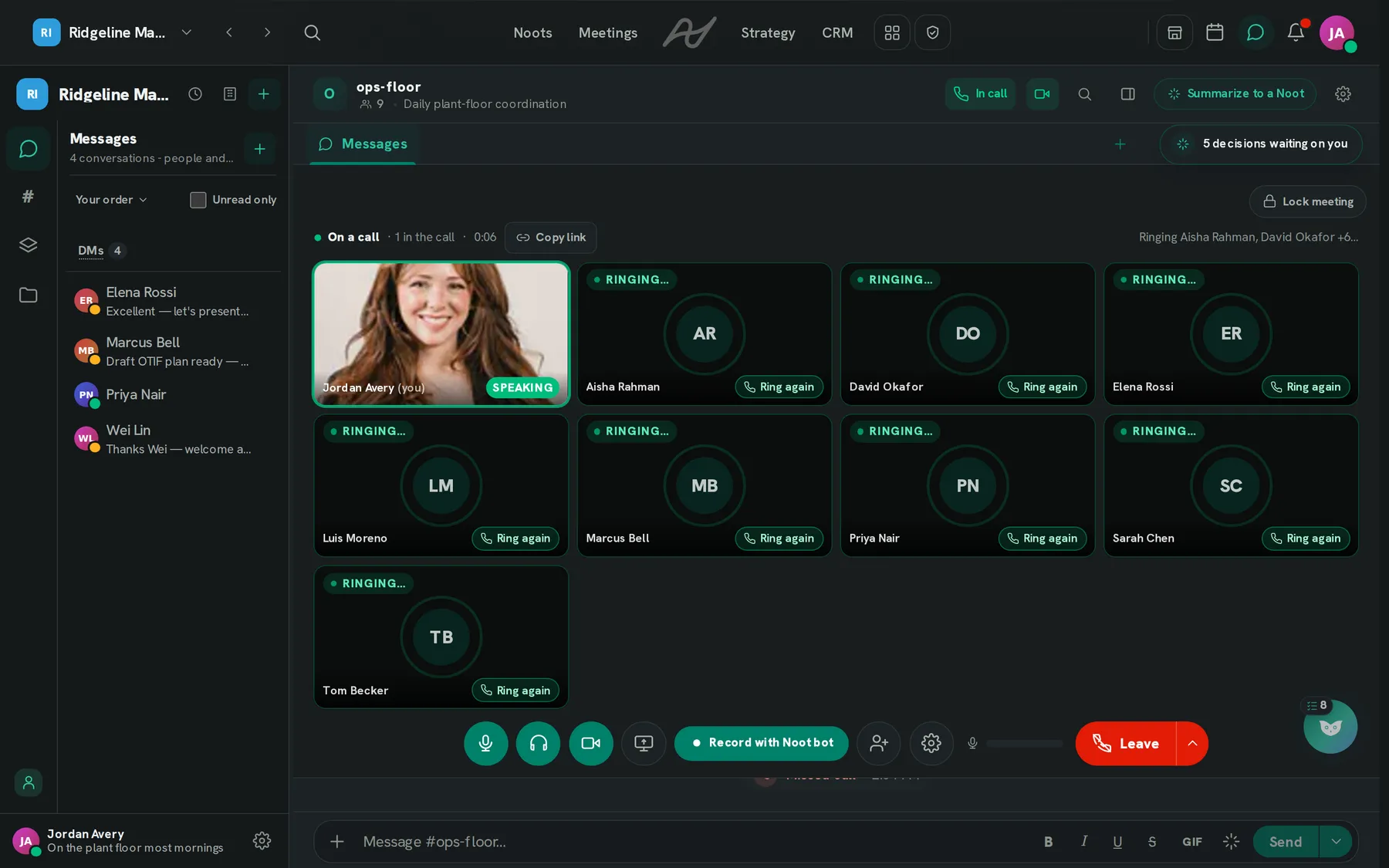
A companion to the work, not a second place to keep track of.
Most of the channels are already there before you make any, and a project's channel is pinned to its project, which is why a summary already knows where to file itself.
A room you walk into
A voice channel is a persistent room: no ringing, no invitation, a sitting that starts when the first person arrives and ends when the last one leaves. The rail shows who is in it.
Channels that create themselves
Every project, team and division you belong to gets a channel, named from the source, with membership that mirrors it. A private project's channel is private, so its existence never leaks through the list.
Mute, camera, share, leave. It rides along to the board, the inbox and the calendar.
Calls that survive navigation
Start a call from any conversation and move to a board, your mail or the calendar; a dock rides along with mute, camera, screen share and leave. The meeting bot can join and turn the call into a normal meeting record.
Summaries that file themselves
A project's channel is pinned to its project, so a summary of the thread lands where the work is. Summaries read a bounded recent slice and say which messages they read.
To do
In progress
Done
The live board, inside the channel about it. Up to eight tabs, one of each.
Tabs on a channel
A channel can carry up to eight tabs beside Messages: a note, a Grid, a live project view, or a linked page.
Sent at the right hour
Messaging a colleague at 21:40 their time offers to schedule it for their morning. Scheduled sends, polls, reactions, threads and link previews are all built in.
What is included, and where the line is.
Every new workspace starts on a free trial of the full Business tier, no card needed, and lands on Free when it ends. Prices and limits are on the pricing page.
Channels, DMs, group chats, voice rooms and audio calls
Every plan, private channels included.
Video in calls
Audio is on every plan.
Channel notes
A note as a tab on a channel.
Calling people in a connected partner organisation
Cross-org calls.
Chat workflows
A multi-step flow that runs in a conversation.
The conversation and the work are one click apart.
The ones people ask first.
Do I have to create channels for my projects?
Does a call end when I leave the chat page?
What is a voice room?
Open the channel your project already has.
Create a workspace and the channels for its projects and teams are waiting when you open Chat.
Free to start · No credit card required